
The five minutes before your keynote decide the whole day.
The room is quiet, phones are out, and your first speaker has not walked on yet. Give the whole room one shared five minutes that wakes everyone up together, before the keynote. Zero setup, zero downloads.
Read the Event PlaybookMain stage warm-up
Question 5 of 8
Live
Live, 312 in the room
- 1Row F3803,820
- 2The Balcony2403,560
- 3Front & Centre3,210
- 4Back By The Coffee2,870
- No app installs on conference Wi-Fi
- One QR code on the main screen
- Up to 200 live, more on Enterprise
- Five minutes, zero setup
- Live leaderboard on the big screen
The post-lunch slump is real.
Six hundred people in a room, half of them scrolling their phones, ten minutes until the keynote. Most conferences waste this moment with elevator music or a forced turn to your neighbour.
The energy you lose in those ten minutes is the energy your speaker has to win back from the stage. There is a warmer, easier way to spend them.
The old way
- Elevator music and a half-awake room
- Turn to your neighbour and introduce yourself
- A keynote that opens to a flat crowd
- Game Type
- Details
- 3Questions
Keynote Warm-up
Unscramble
Add questions
Write your own, generate them with AI, or upload a spreadsheet. You can combine all three.
Create with AI
Describe a topic and let AI draft the questions.
Topic or brief
Event words to wake the room up before the keynote
Generate 4 questionsPreview
4 generated
1.eynkeot
Answer: keynote
2.gaets
Answer: stage
3.danueiec
Answer: audience
4.krnwoet
Answer: network
A shared moment of energy.
Put a massive QR code on the main stage screen and get the whole room into one quick quiz. By the time your speaker grabs the mic, the room is laughing, alert, and actually looking at the stage.
Up to 200 people can play live, each on their own phone, and Enterprise raises the limit for a bigger hall. For the rest of the day, add a Challenge: a self-paced quiz attendees play between talks or at your booth, all on one leaderboard.
The whole room, in one game.
No installs, no AV nightmare. Just a code on the screen and a room that wakes up.
- 01
Put the code on the big screen
Attendees scan it from their seats and play in the browser, with nothing to install on conference Wi-Fi. The QR code is the entire setup.
- 02
Put it in the programme
Schedule the session for its slot and print the poster for tables and the programme. Anyone who scans early sees a countdown until you start.
- 03
Play at scale
Hundreds of people vote, guess, and compete live on the main stage display. The leaderboard becomes the moment before the moment.
Yes, it scales to the whole room.
The features that make five minutes work for five hundred people.
Sized for the hall
Up to 200 players live on the Party plan, with custom limits on Enterprise for a bigger auditorium.
Quiz built for scale
Quiz rounds are made for big rooms: one question on the screen, hundreds of answers, an instant leaderboard.
Latecomers just drop in
Anyone can scan and join mid-game and keep their score with the same name. The room fills as people arrive between sessions.
Keeps the opener tight
Auto-advance moves on the moment everyone is in, so your five-minute warm-up stays exactly five minutes.
Games that work for a full auditorium.
Short, loud, and easy to follow from the back row.
Trivia
A quick quiz on your theme or this morning's speakers. One question on the big screen, hundreds of answers, an instant leaderboard.
Telepathy
Ask the room for the answer most people will give. The bigger the audience, the better it gets.
Odd One Out
Four options, one that does not belong. Fast enough for a five-minute slot between sessions.
The energy shift
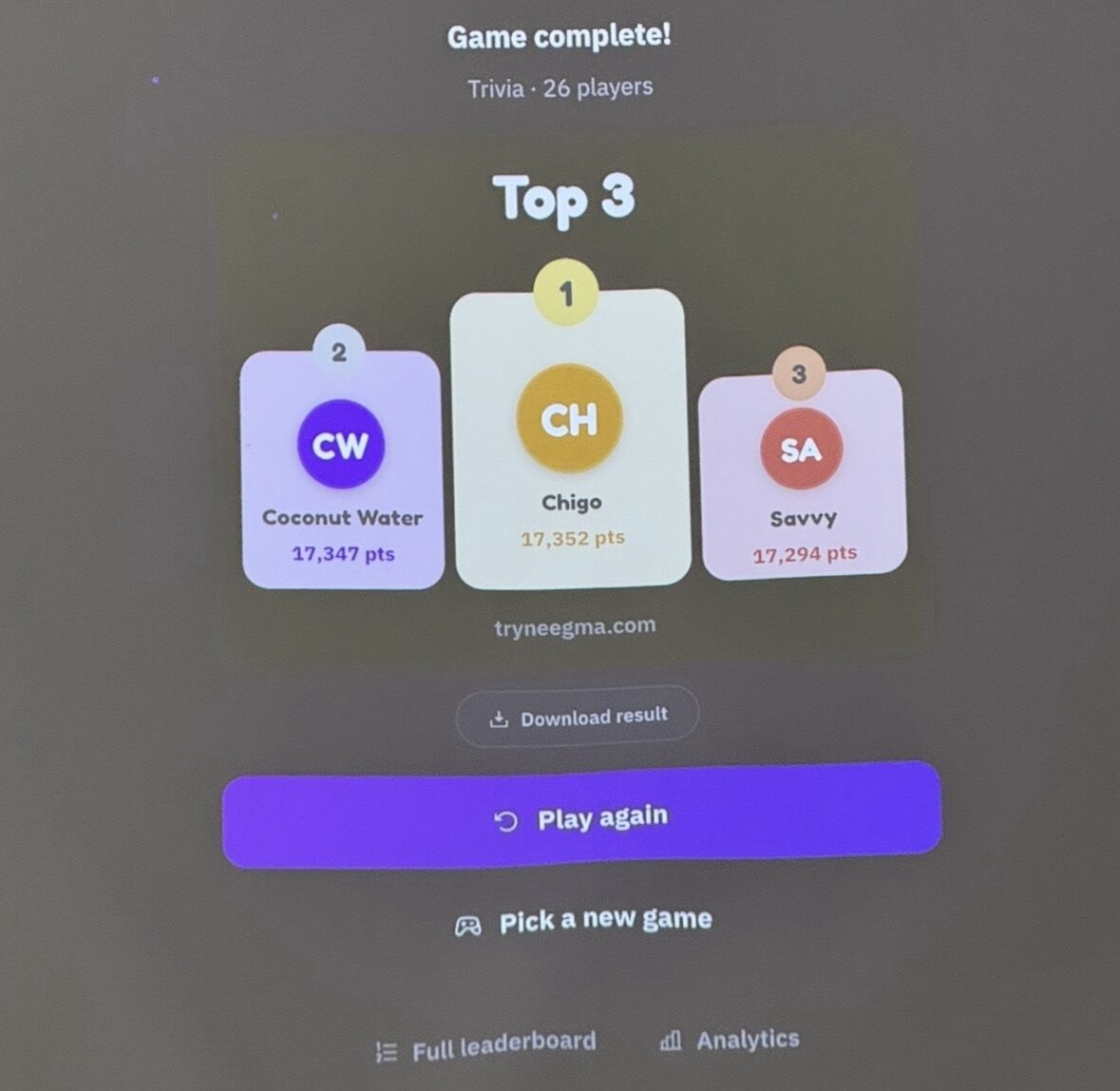
We ran a five-minute game right before the CEO spoke. The energy shift in the room was immediate, and people were still talking about it at the networking drinks later.
Conference organiser, on opening the day with a game
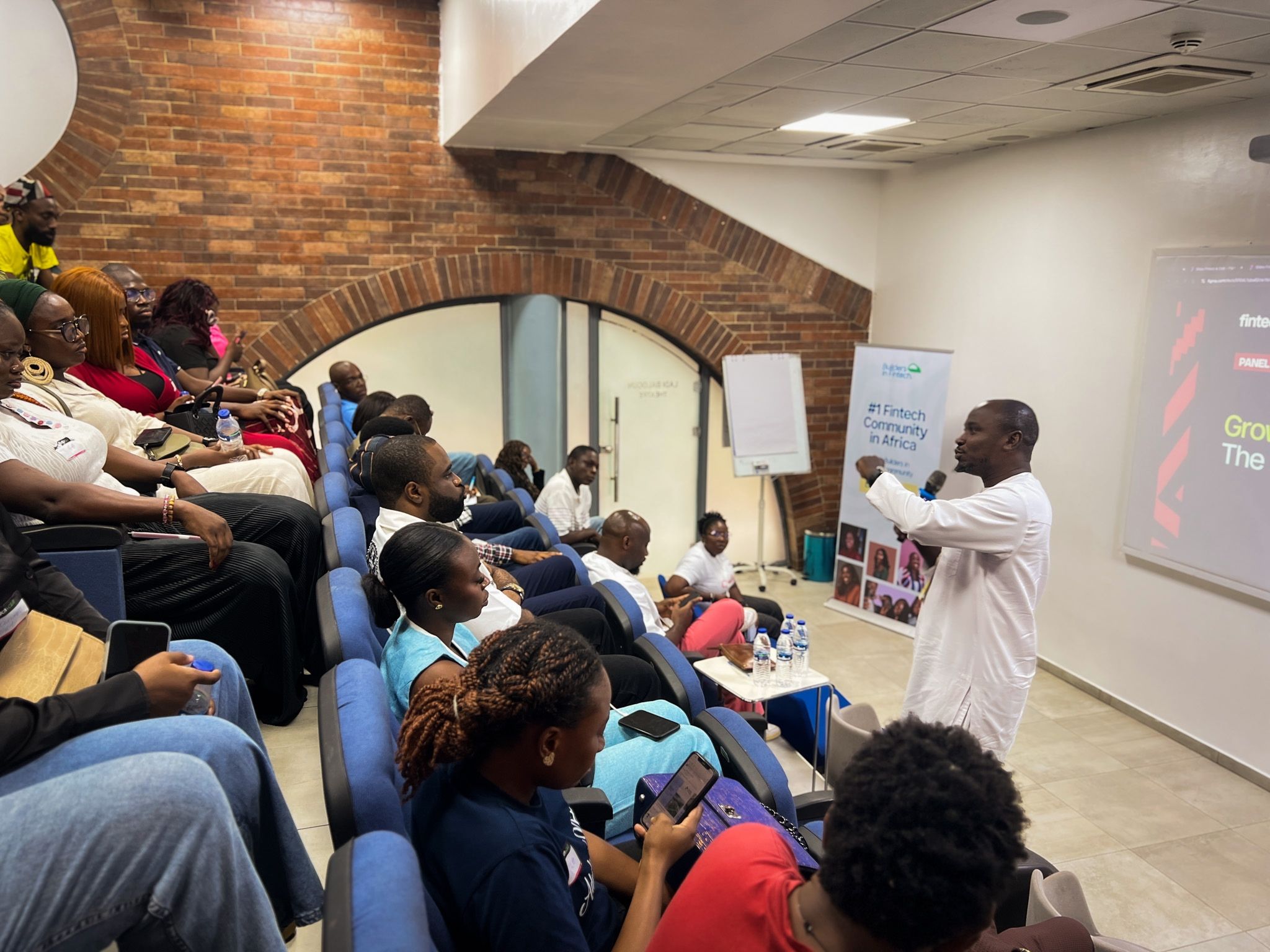
Read the Builders in FinTech Lagos recapFor large events
Planning something big?
Enterprise raises the player limit and comes with dedicated onboarding, so someone from our team helps you plan the opener. Your event can also run a Challenge attendees play at your booth or between talks, a Live Q&A for every session, Speed Networking at the drinks and a sponsor raffle, all on one link.
Book a demoBeyond the games
More ways to run it, on the same link.
Add any of these to your event next to the games. Guests join from their phones with no app. Both ways to host are on every plan, including Free, and the event add-ons come with every paid plan.
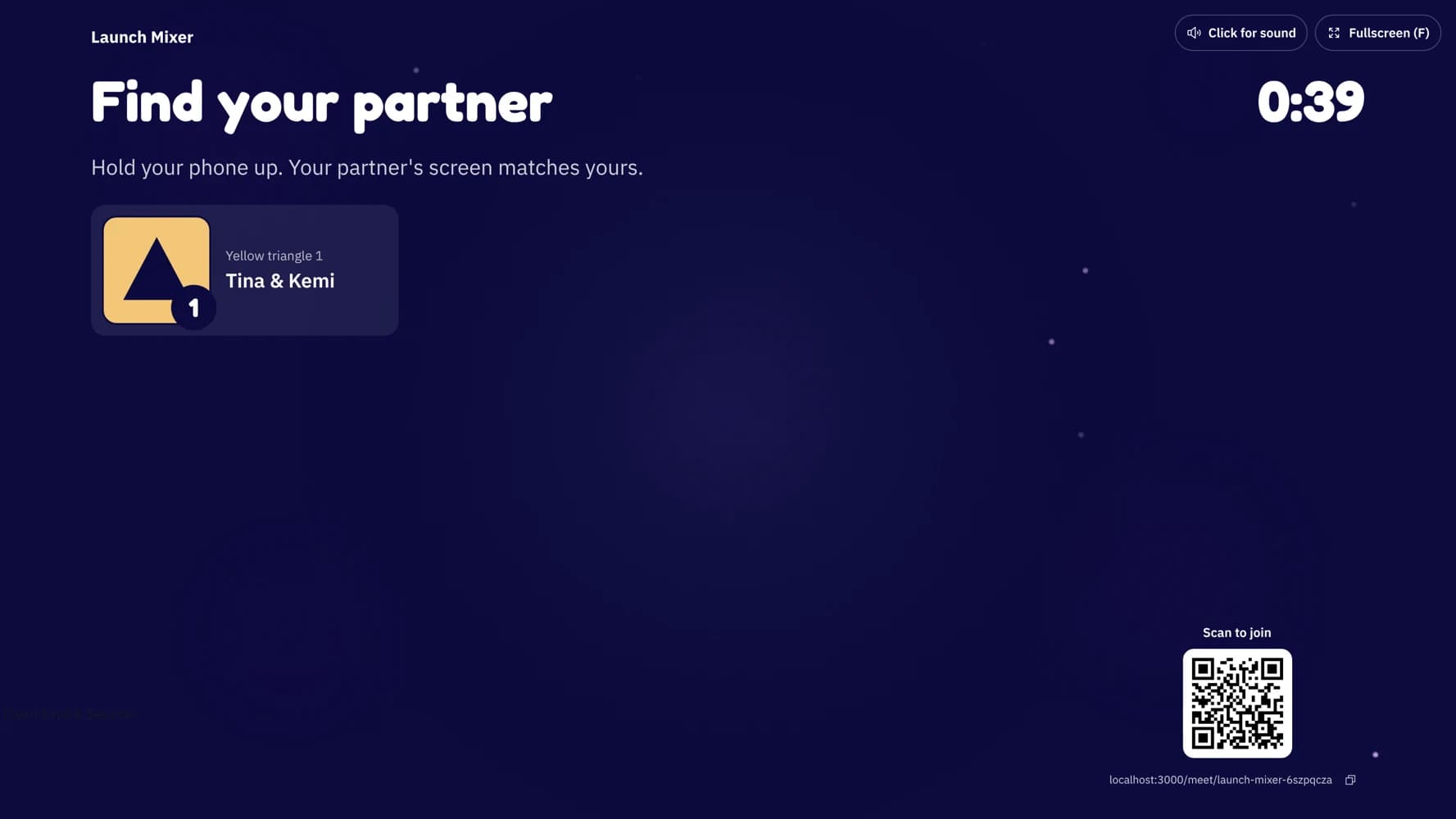
Speed Networking
Pair every attendee for short chats at the drinks, and everyone leaves with a list of who they met.
Explore Speed Networking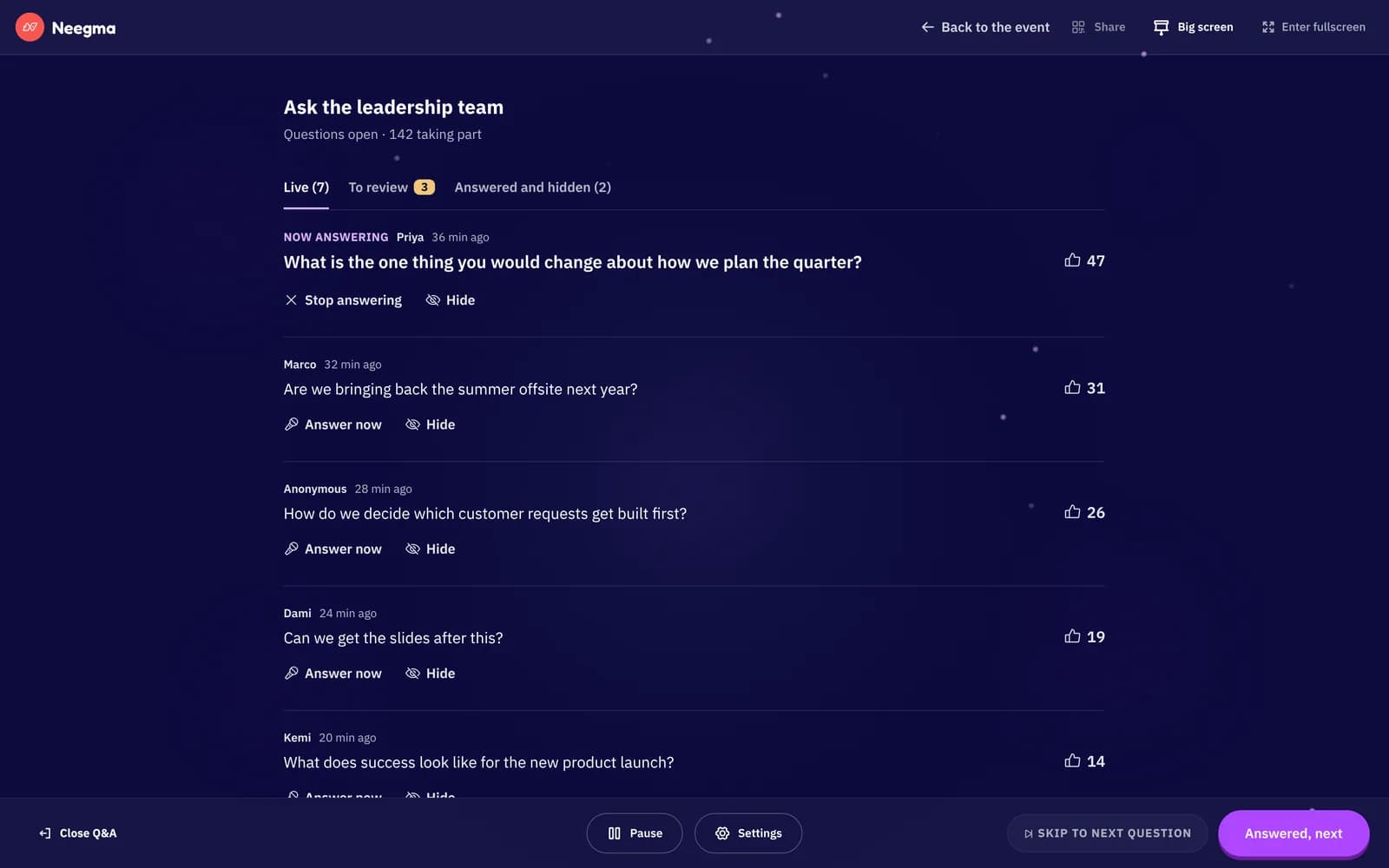
Live Q&A
Questions and upvotes from the audience for every talk, moderated from your board.
Explore Live Q&A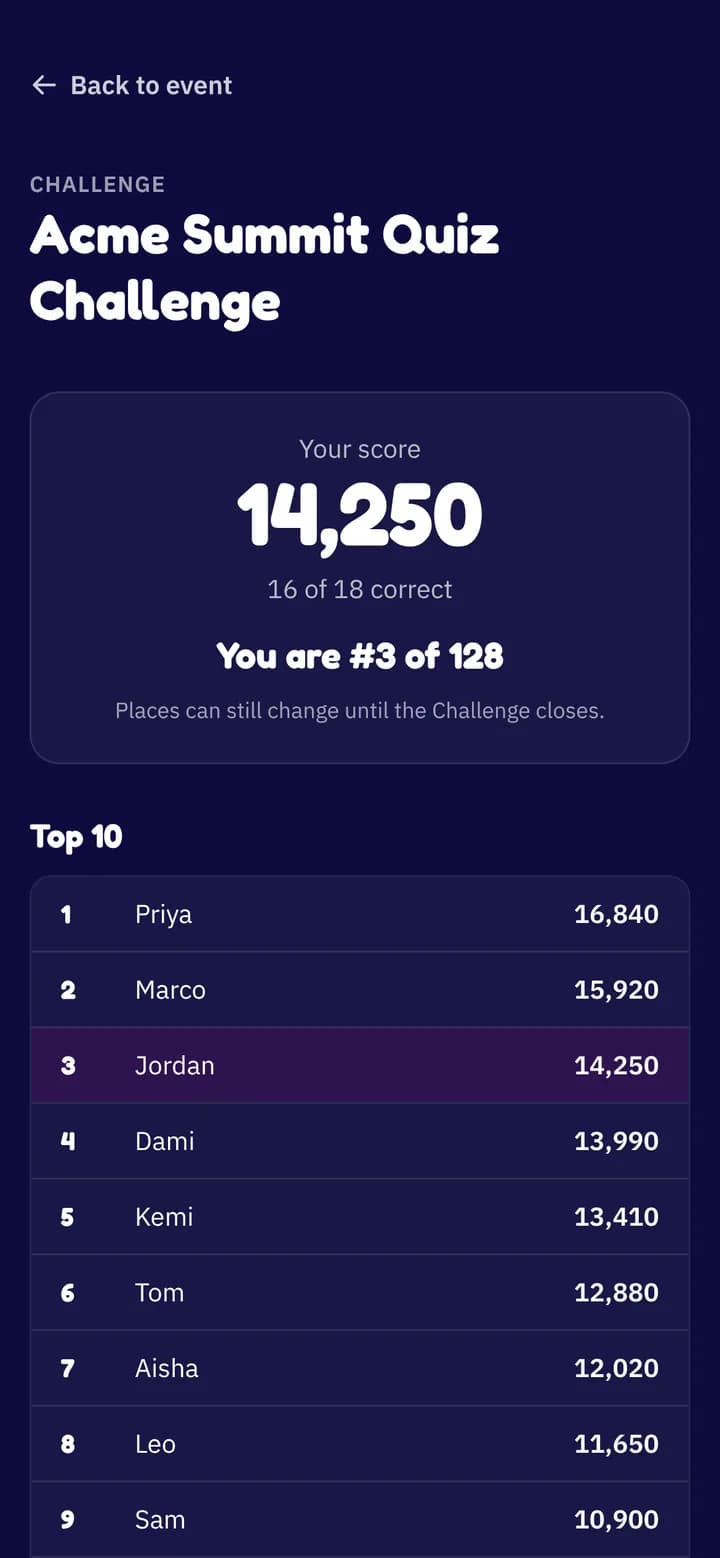
Challenge
A quiz attendees play at your booth or between talks, all on one leaderboard.
Explore Challenge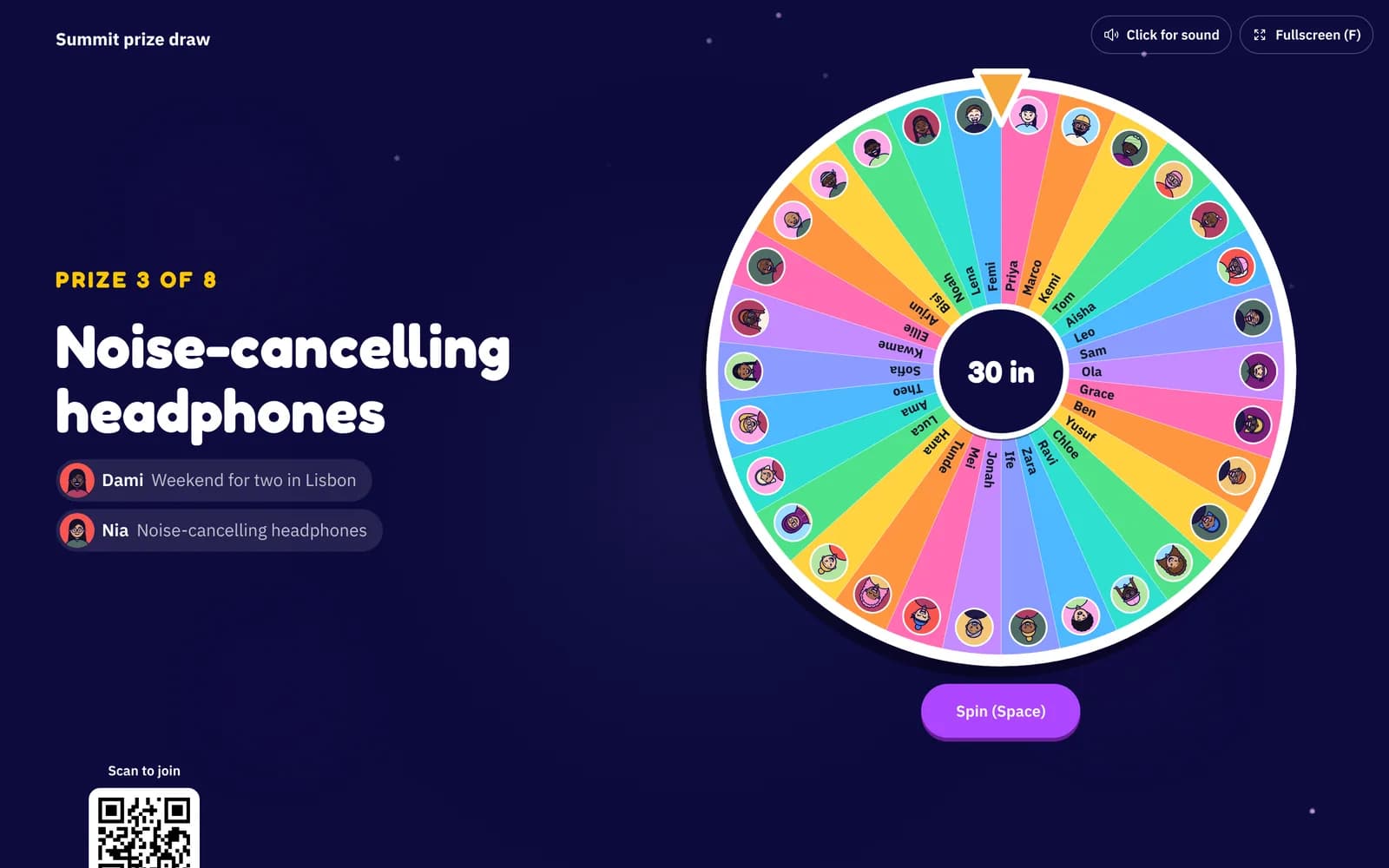
Raffle
Sponsor prizes drawn live on the main screen, with prize photos and sponsor names.
Explore Raffle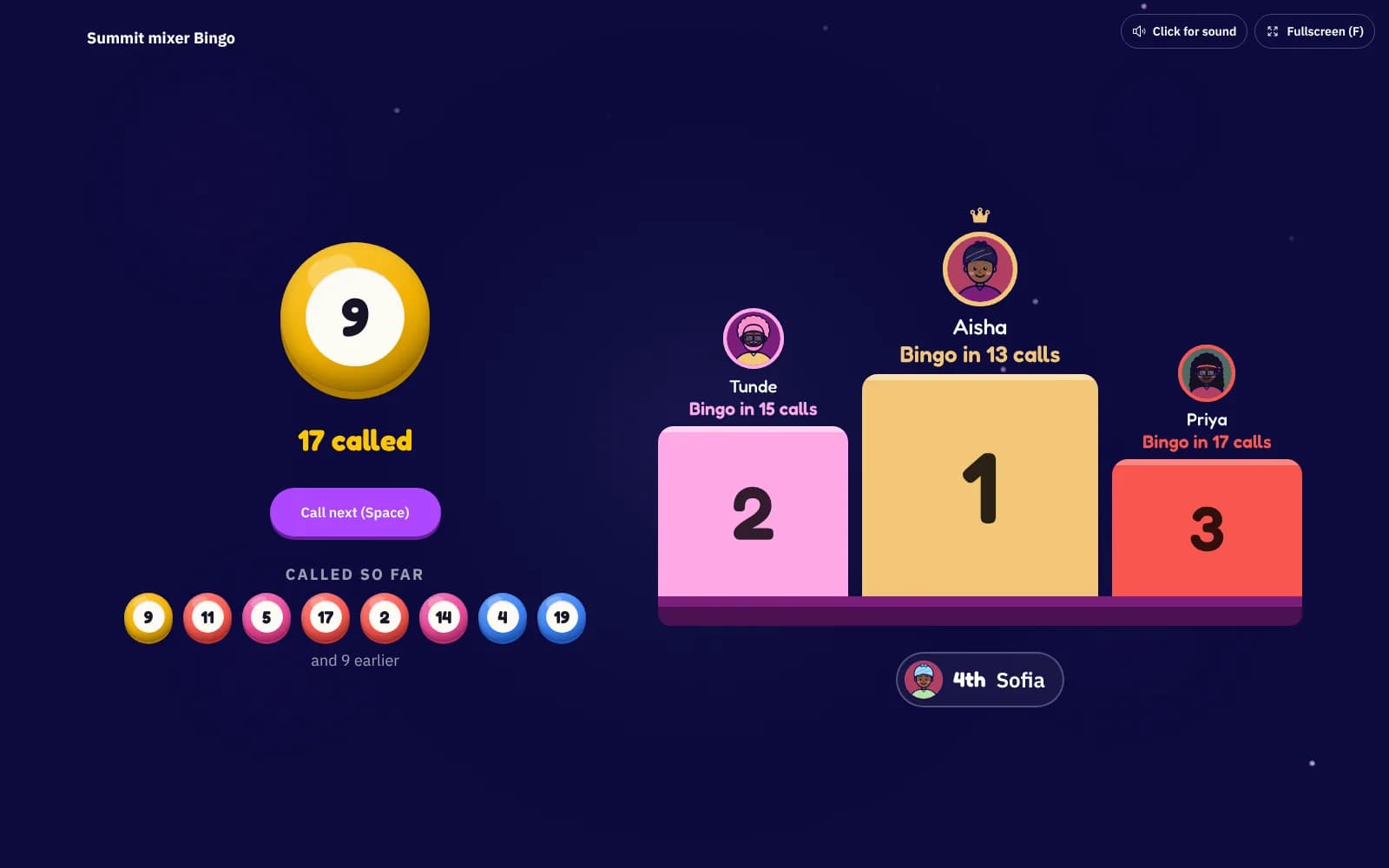
Bingo
Attendees collect numbers from each other, so the room is mixing before the call.
Explore Bingo
Questions
Before you plan it.
What are good icebreakers before a keynote?
How do I help attendees network?
Can attendees ask questions during the talks?
Can attendees play at our booth between sessions?
How many attendees can play at once?
Has it been used at a conference?
Plan it with a practical guide.
Game ideas, ready-made choices and advice for hosting your next gathering.
Conference icebreakers that reset the room
Turn the gap between talks into a short, shared activity.
How to run speed networking at an event
Pair everyone for short chats, with question cards and one clock for the room.
Live Q&A for events
Collect, upvote and moderate audience questions from every phone.
Wake up your audience.
Turn passive attendees into active participants before your first speaker says a word. Zero downloads, hundreds of players.
Browse all games